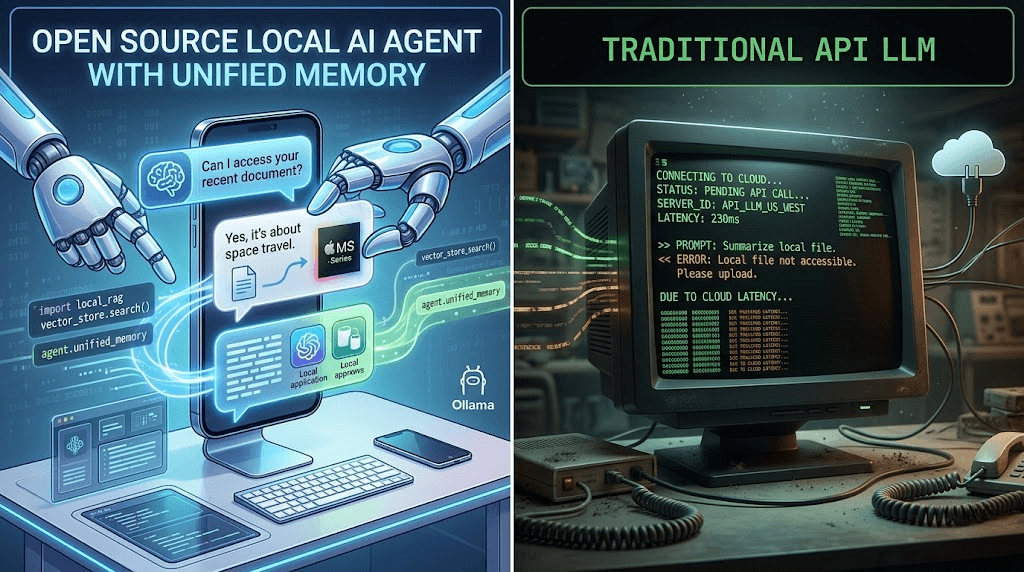
By default, OpenClaw is designed to be invisible. As a persistent, autonomous AI agent, it lives in your terminal or operates seamlessly through messaging apps like Telegram, WhatsApp, and Slack. But what happens when you need to dig deeper?
If you are managing multiple AI tasks, debugging failed agent loops, or trying to manage your ClawHub plugins, staring at terminal logs or scrolling through a Slack thread is incredibly frustrating. You need a graphical user interface (GUI).
Because OpenClaw operates entirely via a local REST API, a massive ecosystem of community-built web interfaces has exploded in 2026. In this comprehensive guide, we will review and compare the best OpenClaw Web UIs, helping you choose the perfect dashboard for your autonomous digital workforce.
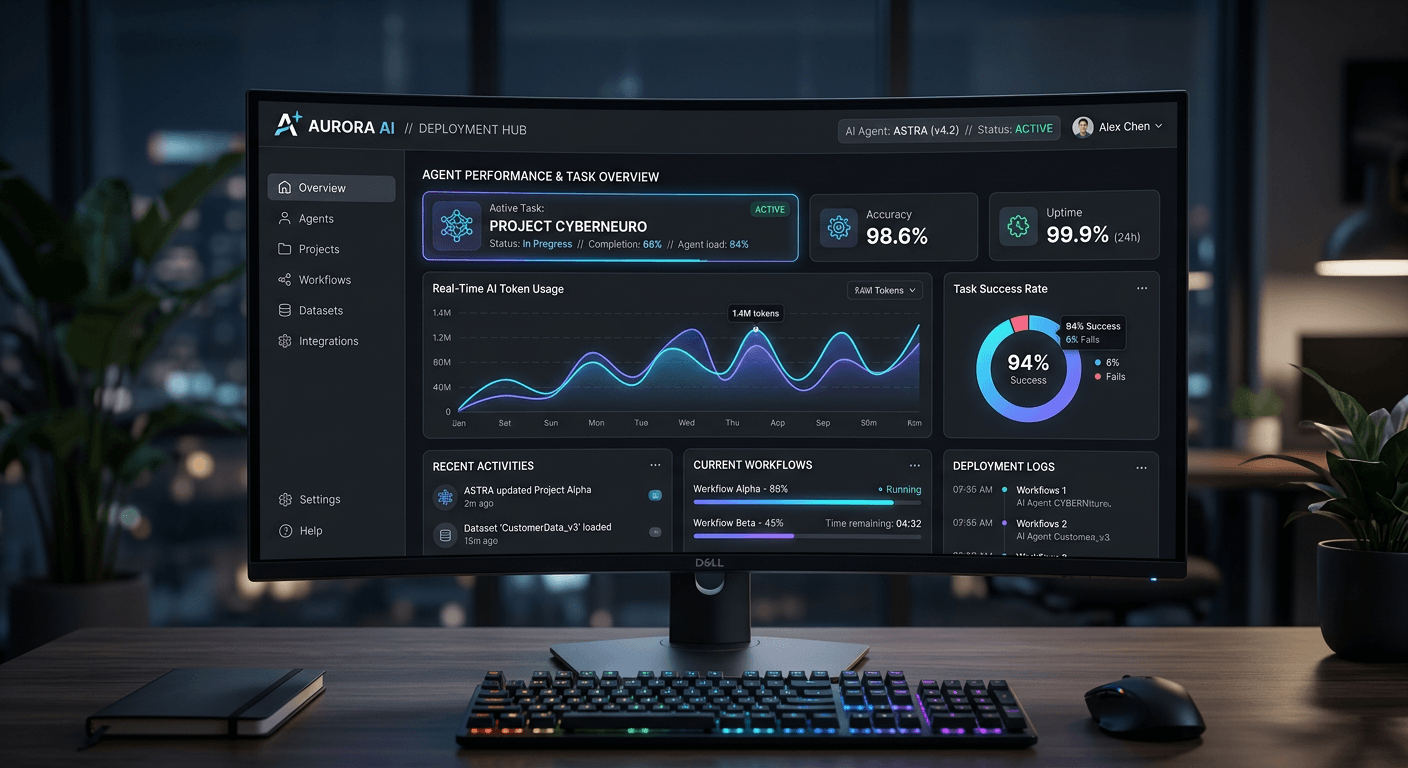
1. Why You Need a Dedicated OpenClaw GUI
While assigning tasks via text messages is OpenClaw's "killer feature" for everyday use, power users and server administrators require a robust frontend for several critical reasons:
- Log Monitoring & Debugging: When OpenClaw gets stuck in an execution loop, a Web UI provides a visual tree of its "thought process," making it easy to see exactly where the LLM failed.
- ClawHub Management: Visually browsing, installing, and configuring Model Context Protocol (MCP) skills is vastly superior to using CLI commands.
- Cost Tracking: If you aren't using a local model like Llama-3, API costs (GPT-4o or Claude 3.5 Sonnet) can spiral. Dashboards provide real-time token usage charts.
- Sandbox Controls: Easily toggle file-system access or internet privileges with visual switches to prevent the AI from performing destructive actions.
2. Top OpenClaw Web Interfaces in 2026
Let's dive into the top contenders. All of these interfaces can be hosted locally alongside your OpenClaw core instance using Docker.
A. ClawBoard (Best All-Rounder Dashboard)
Currently the most starred frontend repository, ClawBoard is widely considered the unofficial "standard" UI for OpenClaw. Built on Next.js, it provides a clean, Vercel-like aesthetic.
Pros:
- Beautiful, centralized dashboard showing active agent tasks, system resource usage, and API token spend.
- Built-in ClawHub app store interface for one-click plugin installations.
- Excellent mobile responsiveness.
Cons: Lacks deep developer tools for tracing specific LLM network calls.
B. OpenClaw Studio (Best for Developers & Engineers)
If you are building custom plugins for OpenClaw or tweaking the core system prompts, OpenClaw Studio is your weapon of choice. It looks and feels similar to VS Code or Postman.
Pros:
- Visual node-based editor for agent workflows.
- Raw JSON log viewer with advanced filtering.
- "Time-travel" debugging: rewind the agent's memory to see exactly what context it had 10 steps ago.
Cons: High learning curve. Overkill for average users who just want the agent to read their emails.
C. ClawChat Web (Best for Chat & Direct Prompting)
Sometimes you don't want the agent to be autonomous; you just want a ChatGPT-style interface that runs locally and utilizes your OpenClaw skills. ClawChat is a lightweight, chat-centric frontend.
Pros:
- Familiar interface (looks identical to ChatGPT/Claude web interfaces).
- Allows you to "mention" specific tools (e.g., "@Terminal, check my docker status").
- Extremely lightweight and easy to deploy.
Cons: Poor multi-task management. Hard to monitor background cron jobs.
D. AgentOps Dashboard (Best for Enterprise & Multi-Agent)
For enterprise users running multiple OpenClaw instances (e.g., one agent for HR, one for DevOps, one for Marketing), AgentOps is the enterprise-grade solution.
Pros:
- Role-based Access Control (RBAC).
- Fleet management (restart, pause, or update multiple OpenClaw instances simultaneously).
- Detailed compliance and audit logging.
Cons: Resource-heavy. Requires a dedicated database (PostgreSQL) to run effectively.
3. Feature Comparison Table
Use this quick reference matrix to determine which OpenClaw Web UI fits your deployment needs:
4. How to Connect a Web UI to OpenClaw
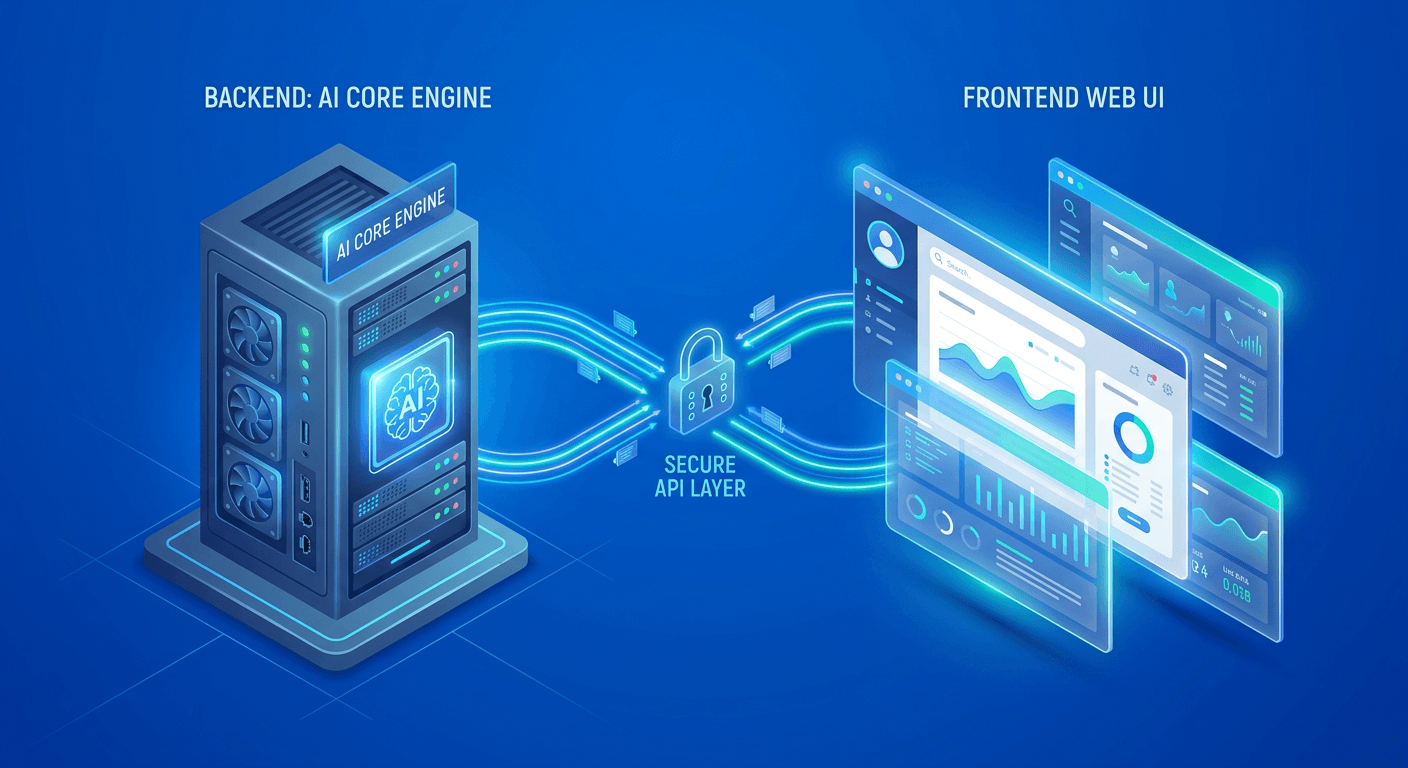
Because OpenClaw separates its core processing engine from the frontend, connecting a UI usually involves pointing the frontend to your OpenClaw API endpoint. Here is a typical Docker Compose configuration snippet to bind them together:
version: '3.8'
services:
  openclaw-core:
    image: petersteinberger/openclaw:latest
    ports:
      - "8000:8000" # The core API port
    environment:
      - API_BEARER_TOKEN=your_secure_token

  clawboard-ui:
    image: community/clawboard:latest
    ports:
      - "3000:3000" # The Web UI port
    environment:
      - OPENCLAW_API_URL=http://openclaw-core:8000
      - OPENCLAW_API_TOKEN=your_secure_token
config.yaml to whitelist the UI's IP address under the allowed_origins CORS setting, otherwise the frontend will fail to fetch data.5. Security Warning: Exposing Your Web UI
We cannot stress this enough: Do not expose your OpenClaw Web UI directly to the public internet without heavy security layers.
Always put your Web UI behind a reverse proxy (like Nginx or Traefik), enforce strict SSL, and use authentication layers like Authelia, Cloudflare Zero Trust, or a VPN (Tailscale/WireGuard) to restrict access strictly to your personal devices.
6. Final Verdict
For 90% of self-hosters and home-lab enthusiasts, ClawBoard is the absolute best OpenClaw Web UI. It strikes the perfect balance between aesthetics, ease of use, and necessary administrative power. It makes managing your autonomous agent feel like using a polished, premium SaaS product.
However, if you are actively modifying the agent's behavior or building Model Context Protocol (MCP) skills, bypass the pretty dashboards and install OpenClaw Studio. The visual tracing tools will save you hours of debugging.
Frequently Asked Questions (FAQ)
Does OpenClaw come with an official GUI?
No, out of the box, OpenClaw is a headless backend application designed to be interacted with via CLI or messaging webhooks. The Web UIs mentioned in this article are open-source, community-driven projects that connect to the core API.
Can I use multiple Web UIs at the same time?
Yes! Because OpenClaw operates via a stateless REST/WebSocket API, you can run ClawBoard on port 3000 for general management, and OpenClaw Studio on port 3001 for debugging, all connected to the same core OpenClaw engine.
How do I secure my OpenClaw frontend?
Never expose the frontend port (e.g., 3000) directly to the router. It is highly recommended to use a mesh VPN like Tailscale, which allows you to access your Web UI securely from anywhere in the world without opening any public ports on your firewall.