TL;DR (Key Takeaways)
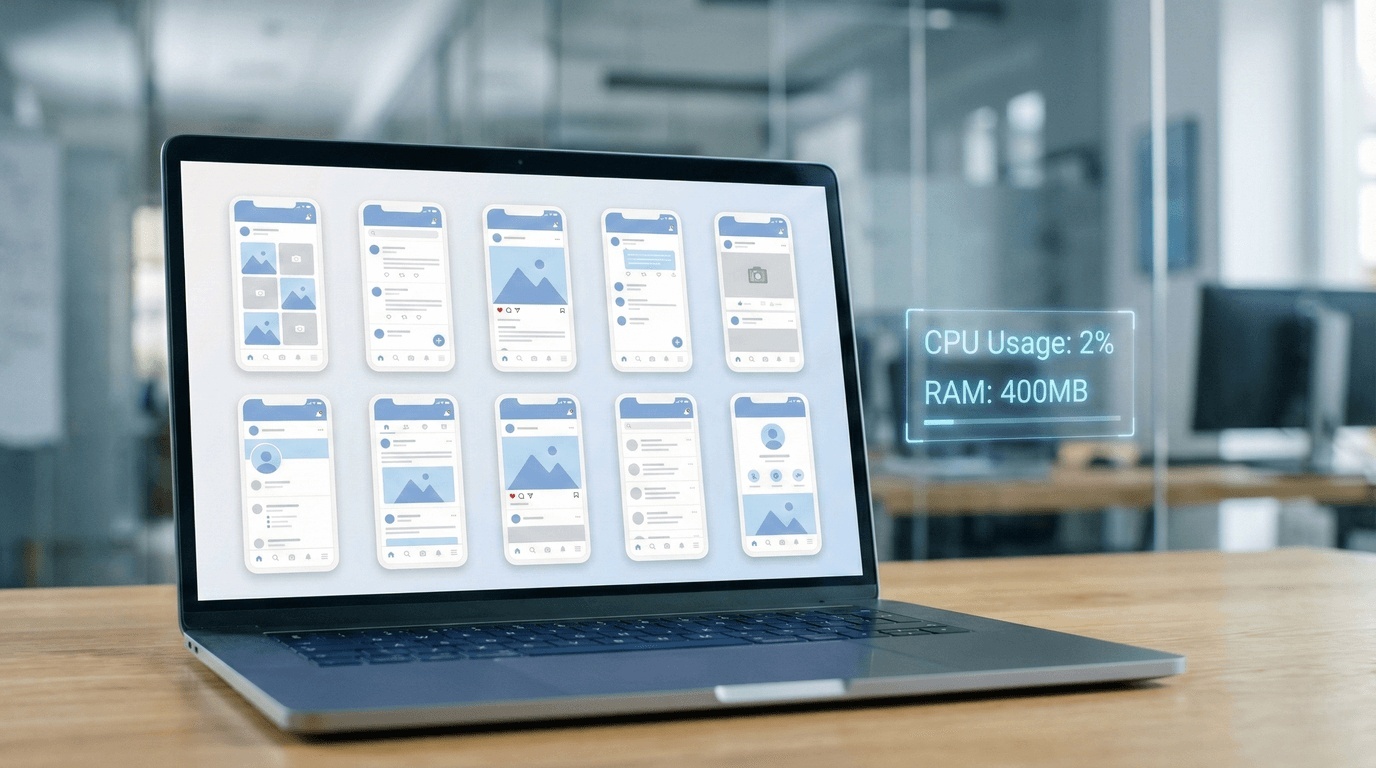
- Resource Liberation: Unlike local emulators that consume your PC's RAM, Cloud Android Emulators run on remote servers, freeing up your hardware.
- Scale without Limits: Manage 1 to 1,000 devices instantly without buying new computers.
- Professional Stability: For 24/7 automation and multi-account marketing, cloud infrastructure offers superior uptime and isolation compared to BlueStacks.
BlueStacks has successfully democratized Android gaming on PC. For millions of casual gamers, it remains the iconic go-to solution. However, the landscape of mobile usage is shifting.
Today, professional users—app developers, QA testers, marketing agencies, and crypto enthusiasts—are encountering a "performance wall." What works for playing Candy Crush for 30 minutes often fails when trying to manage a social media matrix or run 24/7 automation scripts.
The "Performance Wall" of Local Emulators:
- Hardware bottleneck: Running just 5 instances of a heavy app (like TikTok) can freeze a standard 16GB RAM laptop.
- Digital Fingerprint Risks: Most local emulators broadcast a generic "Virtual Machine" signature, which is an immediate red flag for sophisticated app security systems.
- Offline = Downtime: Your automation stops the moment your computer sleeps, restarts, or loses power.
If your goal is to scale operations efficiently, it is time to look beyond traditional emulation and consider a modern architectural approach: the Cloud Android Emulator.
1. What is a "Cloud Android Emulator"?
To understand why professionals are switching, we need to clarify the fundamental difference in technology.
Local Emulator (BlueStacks/Nox)
Creates a virtual environment inside your local operating system. It shares your local IP address and competes fiercely for your local RAM, CPU, and Battery.
Cloud Android Emulator (Moimobi)
Provides access to a real Android environment hosted in a secure data center. You stream the video output to your browser. All processing happens remotely.
Why architecture matters for business: In a cloud environment, the device's digital fingerprint (Model, Carrier, Network) is generated server-side. This separation is crucial for users needing isolated account environments to prevent chain-bans.
2. Top 5 Alternatives to BlueStacks in 2025
We evaluated these platforms based on three criteria: Scalability, Resource Consumption, and Business Features.
#1. MoimobiBest for Automation & Marketing
Moimobi is not just an emulator; it is a PaaS (Platform as a Service) designed for mobile workflows. It runs native Android apps in the cloud with enterprise-grade stability and clean, independent IPs.
- Pros:
- True Isolation: Configure distinct device parameters (IMEI, Mac) for each instance.
- Developer Ready: Full ADB support and API access for headless automation.
- Zero Local Load: Run 100 devices on a Chromebook without lag.
- Cons: Paid service (Infrastructure costs money); requires internet connection.
#2. LDPlayer (Best Lightweight Local Option)
If you prefer a free local solution and have a decent PC, LDPlayer is often lighter and faster than BlueStacks.
- Pros: Excellent gaming optimization; built-in macro recorder; uses fewer resources than BlueStacks.
- Cons: Still bound by your local hardware limits; difficult to manage more than 10-20 instances; IP address is shared with your PC.
#3. Redfinger (Best for Cloud Gaming)
Redfinger is a veteran in the cloud phone space, focusing heavily on the "AFK Gaming" (Away From Keyboard) market, allowing RPGs to run in the background.
- Pros: Great mobile app; affordable for single-device users; easy to use for non-techies.
- Cons: Limited configuration for marketing (cannot easily change device fingerprints); lacks API for complex automation; interface designed for gamers, not businesses.
#4. NoxPlayer (Feature Rich but Heavy)
Nox is known for its extensive features, particularly its robust key-mapping for MOBA and FPS games.
- Pros: Highly customizable controls; root access is easy to toggle.
- Cons: Can be extremely resource-heavy; historically criticized for bundling "bloatware" or ads in the free version.
#5. Genymotion (Strictly for Developers)
A premium choice for developers needing to test apps across precise Android versions and screen sizes.
- Pros: Accurate emulation (e.g., test exactly on a Samsung S20 running Android 12); integrates with Android Studio.
- Cons: Very expensive per minute/device; technical setup required; lacks the bulk-management tools needed for marketing.
3. The Hidden Costs of "Free" Emulators
Many users ask: "Why pay for Moimobi when BlueStacks is free?" It is important to remember that in software, if you aren't paying for the product, you often are the product.
- Data Monetization: Free emulators often collect usage data or inject recommended apps (ads) into your home screen to generate revenue.
- Hardware Wear & Tear: Running your GPU at 100% load 24/7 for automation significantly shortens the lifespan of your laptop or PC. The cost of replacing a burnt-out laptop often exceeds the cost of a cloud subscription.
- Electricity Costs: A high-end PC running emulators consumes 300W-500W. Running this 24/7 adds a significant amount to your monthly electricity bill.
4. Lab Test: Local vs. Cloud Infrastructure
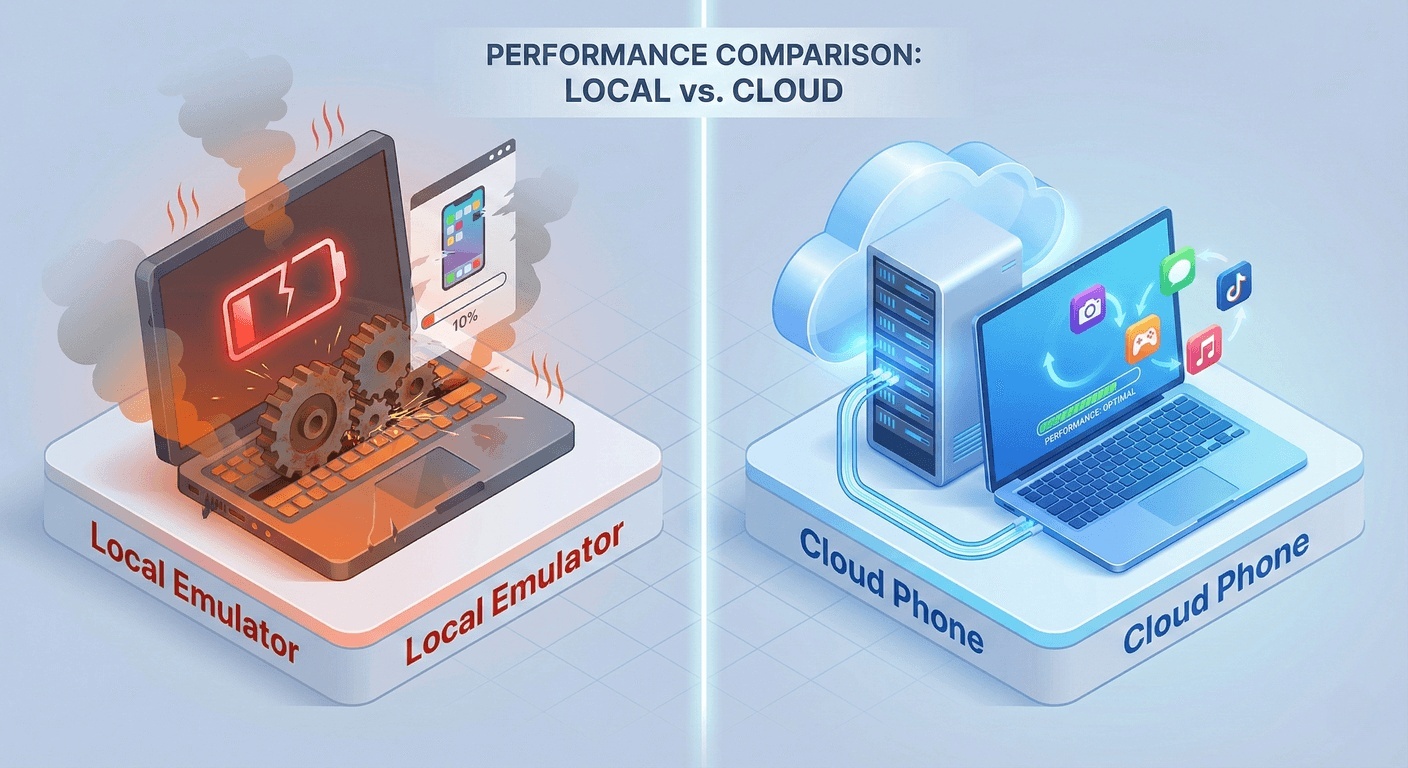 We conducted a controlled stress test to quantify the difference.
Test Scenario: Launching 10 instances of a social media video app and performing an "Auto-Scroll" action for 12 hours.
Hardware: Mid-range Laptop (16GB RAM, i7 Processor).
5. Risks & Best Practices
Transparency Note: No Tool Guarantees 100% Safety
A Cloud Android environment mitigates technical correlation risks (IMEI, MAC, IP), but safety also depends heavily on your behavior.
Recommended Best Practices for Cloud Phones:
- Warm Up Accounts: Do not start aggressive automation on Day 1. Use the cloud phone manually for a few days to build a "human" usage history.
- Match IP Location: If you configure your cloud phone to be a "US Device," ensure you are using a US Proxy/IP. Moimobi's network settings allow you to bind SOCKS5 proxies directly.
- Content Quality: Even with the best anti-detect tech, posting spam or low-quality content will trigger platform behavioral bans.
6. FAQ
A: No. While you might see a slight visual delay when controlling the phone manually (video streaming), Moimobi's automation scripts run server-side. The script interacts directly with the Android system in the cloud with zero latency, regardless of your internet connection.
A: Yes. Moimobi provides a drag-and-drop file transfer tool to upload APKs, images, or videos directly to the cloud environment storage.
Ready to Scale Your Operations?
Stop overheating your laptop. Switch to enterprise-grade cloud infrastructure and manage multiple accounts with strict environment isolation.
Start Your Moimobi Trial (From $19.9/mo)No credit card required for demo inquiry.